
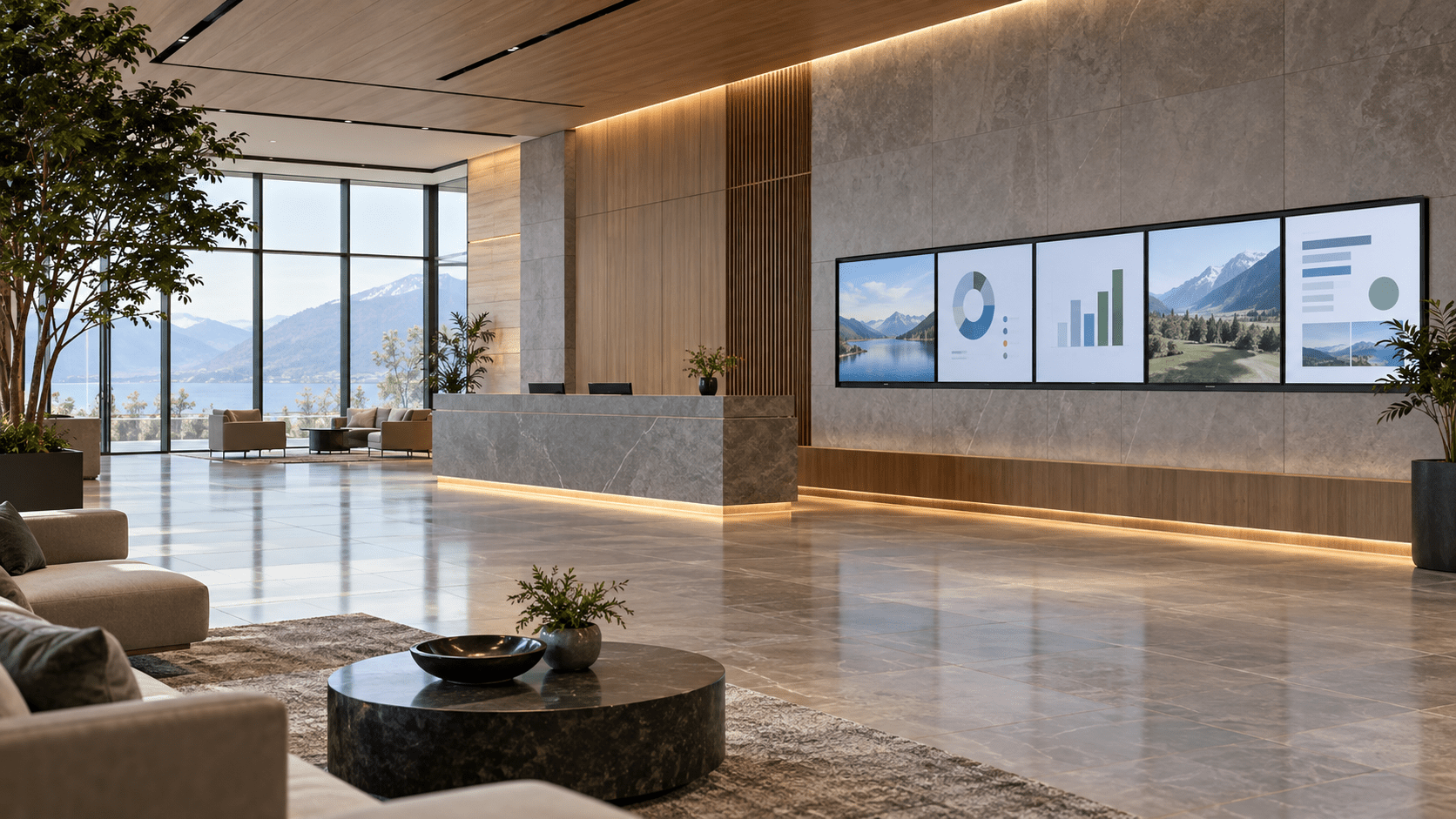
Lobbies, waiting rooms, corridors, canteens: information screens are everywhere. Managing them one by one with a USB stick quickly becomes impossible. A web-based digital signage application lets you control everything from one place.
Key takeaways
- Each screen is simply a browser in kiosk mode showing a “player” page.
- A central dashboard manages content, playlists and time slots.
- A real-time connection (WebSocket) pushes changes instantly, without reloading screens.
- Monitoring flags an offline screen before anyone complains.
Typical architecture
On the server, an API stores content (images, videos, pages, messages) and its schedule. On each screen, the player downloads its playlist, caches it so it keeps running during a network outage, and regularly sends a heartbeat: screenshot, status, version.
Remote control
Restarting a player, forcing an update, showing an urgent message on every screen in a building: these commands use the same real-time channel. That is what turns a collection of screens into a real information network.
Practical tip
Plan offline mode and scheduled night-time standby from day one. The first avoids black screens during an outage, the second cuts power use and extends panel life.